Hardware
Hardware from €20. No vendor lock-in.
To connect EnergyBot to your inverter, all you need is a commonly available WiFi module. No proprietary part, no vendor dependency. Flash the firmware from your browser and you're set in 5 minutes.
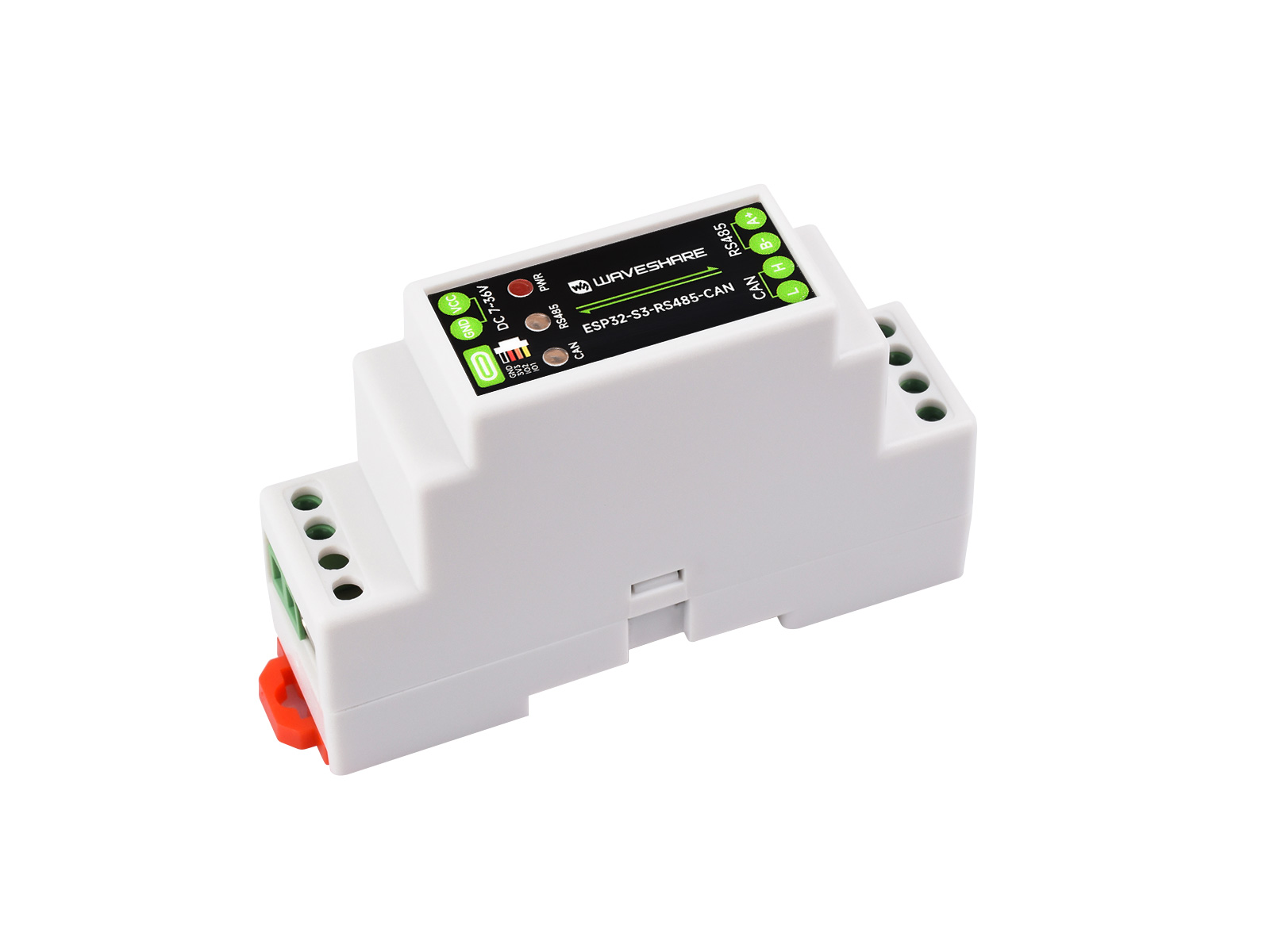
Photo: Waveshare
What the module does
- Reads data from your inverter
- Sends it to EnergyBot over WiFi
- Firmware updates directly from your browser (via USB)
- No cables, no programmers, no driver installation
How to flash the firmware
After logging in, you'll find the Flash section. Connect the module via USB-C, click Flash, and select the module's serial port in the browser. Within seconds the firmware is loaded and the module connects to your account.